
Top F2P MMO Discords
The biggest Discord servers for free-to-play MMOs, their community servers, guilds and LFG groups, ranked by members. Counts come straight from Discord and refresh every few hours.
Fragments of Chaos
Follow our own game as it's made: dev updates, playtests, and a say in what comes next. 383 members, 115 online now.
Join the DiscordRanked by members
4 communities-
1
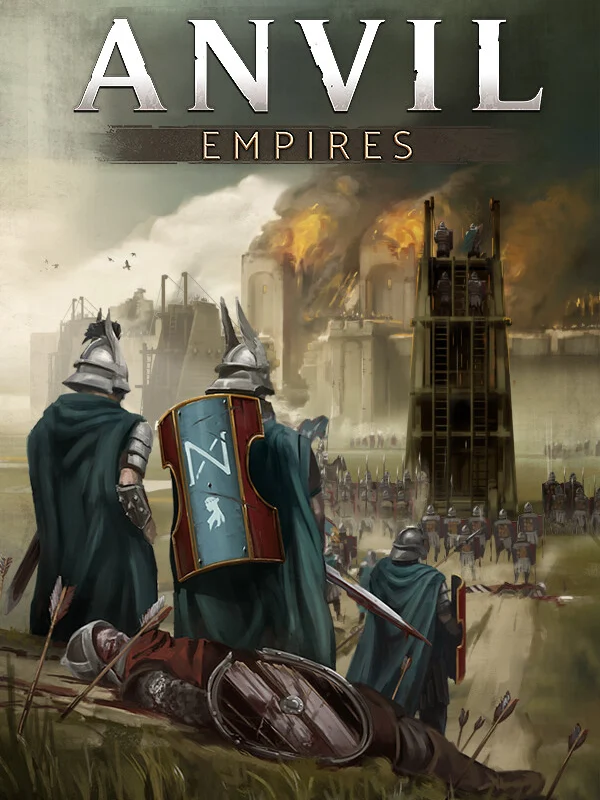 Anvil EmpiresMedieval War MMO
60,516members 21,744 online
Join View page
Anvil EmpiresMedieval War MMO
60,516members 21,744 online
Join View page
-
2
 Ultima OnlineSandbox MMORPG
6,452members 1,880 online
Join View page
Ultima OnlineSandbox MMORPG
6,452members 1,880 online
Join View page
-
3
 Fragments of ChaosAction RPG
383members 115 online
Join View page
Fragments of ChaosAction RPG
383members 115 online
Join View page
-
4
 IdleRPGBrowser idle RPG
101members 49 online
Join View page
IdleRPGBrowser idle RPG
101members 49 online
Join View page
Run a game's or a community server's Discord? Find its page, claim it, and add your invite in the page header.
FAQ
What is the biggest F2P MMO Discord?
Right now it's Anvil Empires, with 60,516 members. Counts come from Discord and refresh every few hours.
How do I get my Discord on this list?
Every game and community server with a Discord invite is listed. Run a game's Discord? Claim its page and add the invite. Run a guild or LFG Discord? Add it on the game's Discord page, and a moderator checks it.
Is it safe to join these Discords?
We only list invites to real servers that Discord confirms. Still, never sign in through a link someone sends you in a DM, and never share your password or two-factor codes.
Top Discord bots
Bots that game communities and guilds rely on. The big bot lists above have thousands more.
- Raid-Helper ↗Raid and event sign-ups with classes, roles and benches. Made for MMO guilds.
- Sesh ↗Events and polls that show everyone their own time zone, with reminders.
- Carl-bot ↗Reaction roles, automod, logging and custom commands.
- MEE6 ↗Welcome messages, levels and XP, moderation and announcements.
- Dyno ↗Moderation, auto-moderation, timed announcements and custom commands.
- Ticket Tool ↗Private support tickets for guild applications, reports and help.
- Statbot ↗Activity stats: member growth, busiest channels and hours.
- YAGPDB ↗Very configurable: custom commands, feeds, roles and moderation.
How to add a bot
- Check you can. You need the Manage Server permission on that server (owners and admins have it).
- Open the bot's page on its own website, top.gg or Discord's App Directory, and press Invite, Add to Server or Add App.
- Pick your server in the box Discord shows, then press Continue.
- Review its permissions. Allow only what it needs, and avoid Administrator unless you trust the bot and really need it. Press Authorize.
- Set it up. In Server Settings → Integrations, choose which channels and roles can use its commands. If it hands out roles, drag its role above those roles in Server Settings → Roles.
- Try it. Type / in a channel to see its commands, and follow the setup guide on its website.
Stay safe: only add bots from their official website, top.gg or Discord's App Directory, never from a link someone sends you in a DM.
Guides: Best Discord bots for MMO guilds · Set up Raid-Helper · Build a guild Discord · Find a guild on Discord